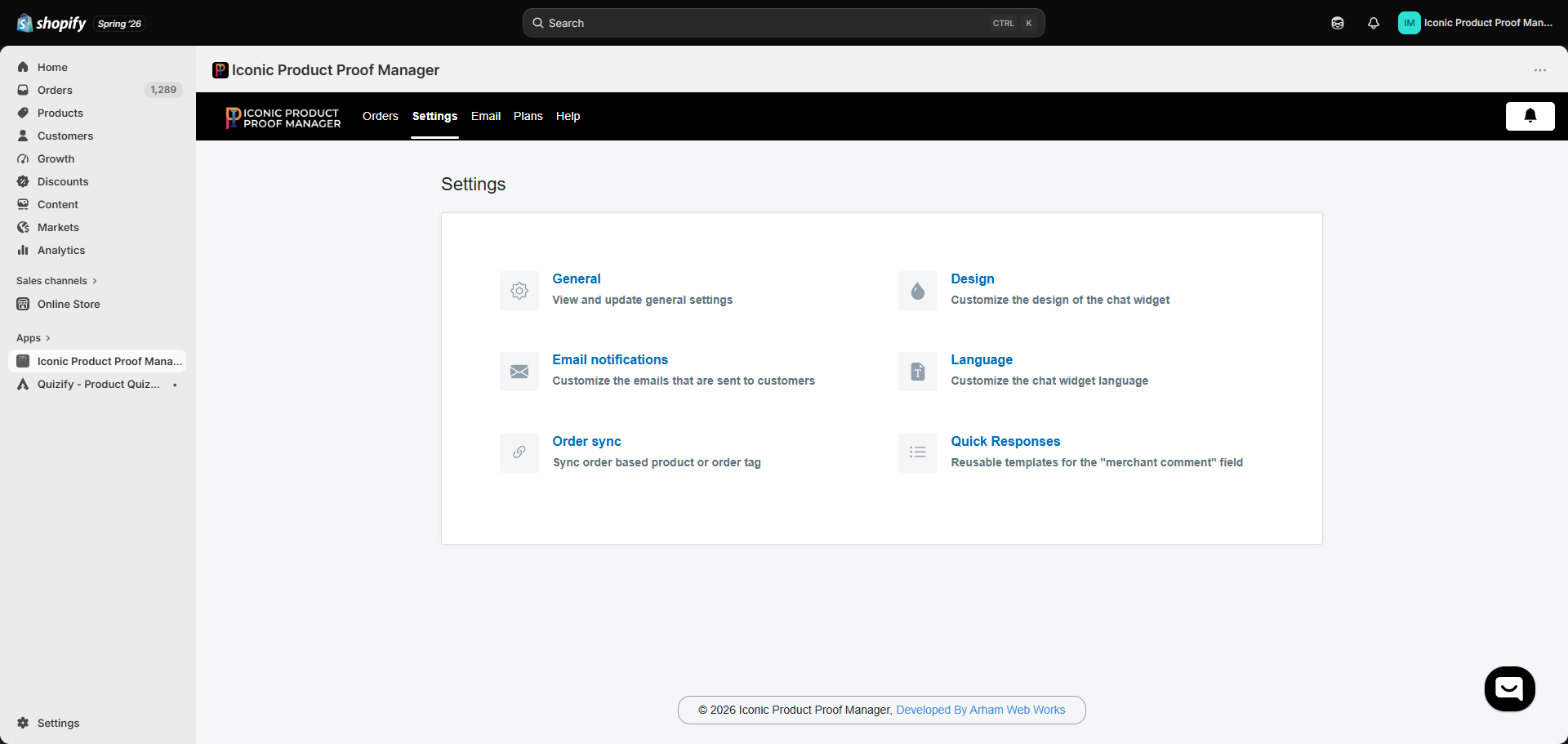
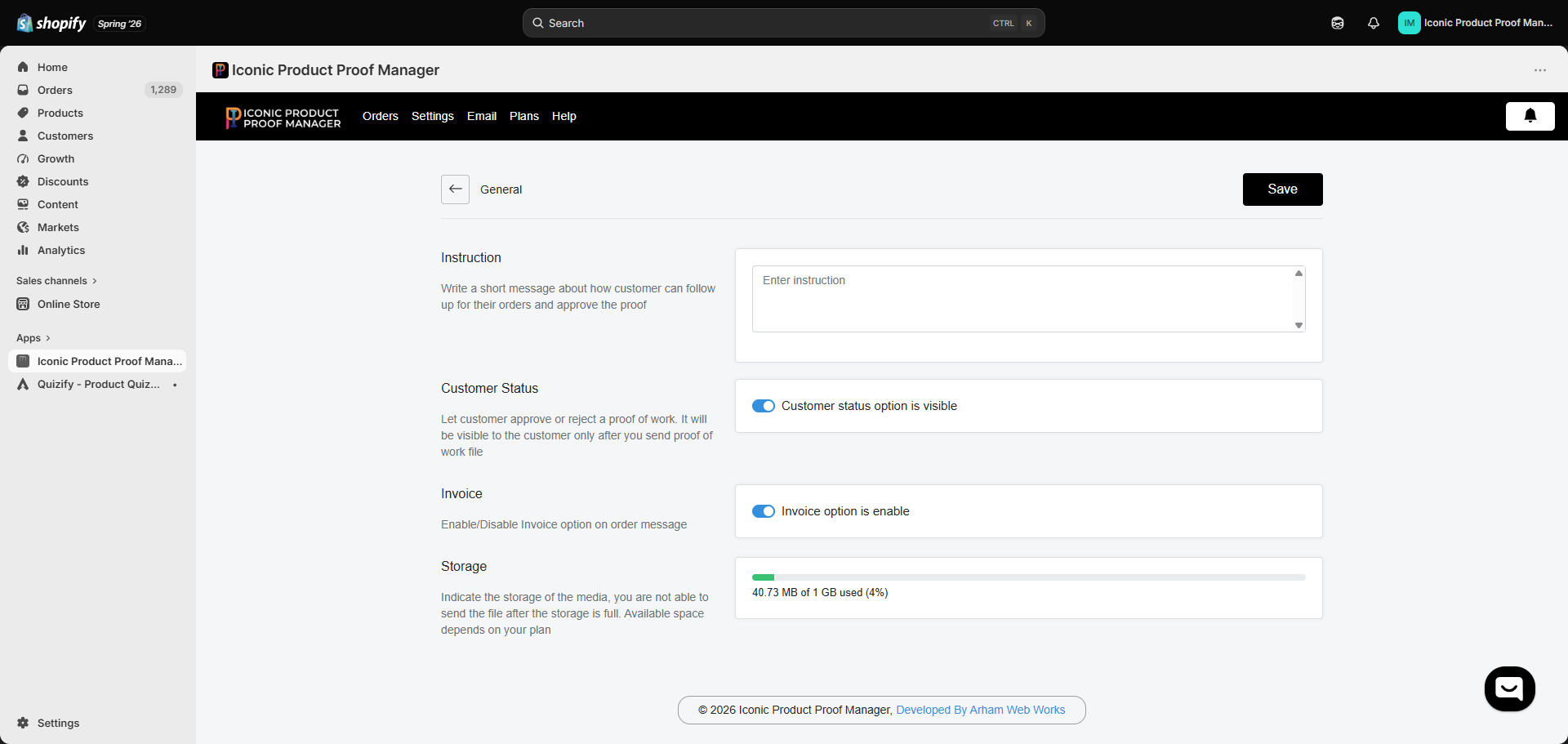
A short message shown to customers explaining how to follow up on their order and approve a proof. Use this to set expectations — for example, how long proofs usually take, or what info you need from them.
Toggle Customer status option is visible to let customers approve or reject a proof from the widget. This only becomes visible to a customer after you’ve sent them a proof file — so turning it off simply hides the approve/reject control if you’d rather manage approvals over chat instead.
Toggle Invoice option is enabled to allow sending an invoice link to the customer from the order chat — useful for collecting extra charges for customization work once a proof is approved.
Shows how much of your plan’s media storage you’ve used. Files attached to conversations (both by you and by customers) count against this limit. Once storage is full, uploads are blocked until you free up space or upgrade your plan — see Plans & Pricing.Don’t forget to click Save after making changes.