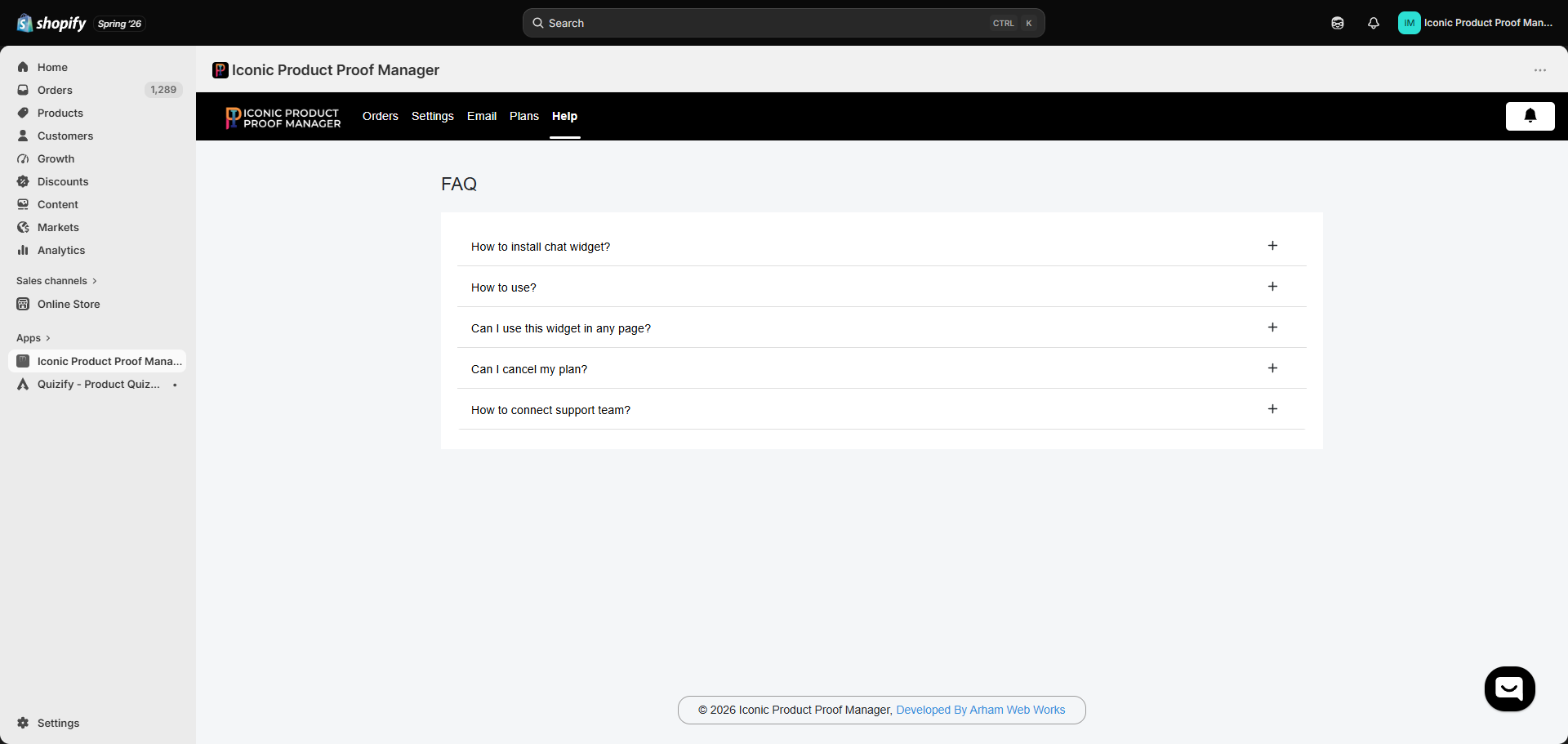
How do I install the chat widget?
How do I install the chat widget?
Enable the app’s Theme App Embed from your theme editor (Online Store → Themes → Customize → App embeds) to add the floating chat bubble across your storefront. To place the widget inline on a specific page instead, add the Product Proof Manager app block to that page’s template. Full steps in Adding the Widget to Your Theme.
How do I use the app?
How do I use the app?
Sync your orders (all, by product, or by tag), then open any synced order from the Orders dashboard to chat with the customer, attach a proof, and track approval. See Managing an Order and the full Setup Guide.
Can I use this widget on any page?
Can I use this widget on any page?
Yes. The Theme App Embed places a floating widget everywhere by default, and you can additionally add the app block to any specific template — commonly the order status page or the customer account order page. See Adding the Widget to Your Theme.
Can I cancel my plan?
Can I cancel my plan?
Yes. From the Plans tab, click Downgrade on the Free Plan card to move off the Basic Plan at any time. You can also uninstall the app entirely from your Shopify admin’s Apps page. See Plans & Pricing.
How do I connect with the support team?
How do I connect with the support team?
Use the chat bubble inside the app (bottom-right of any admin screen) or reach out at support@arhamwebworks.com. See Contact Support.