> ## Documentation Index
> Fetch the complete documentation index at: https://proof-manager-docs.geticonicapps.com/llms.txt
> Use this file to discover all available pages before exploring further.
# FAQ
> Common questions about Iconic Product Proof Manager
This is the same FAQ shown under the **Help** tab in the app, in one place with links to the full documentation for each topic.
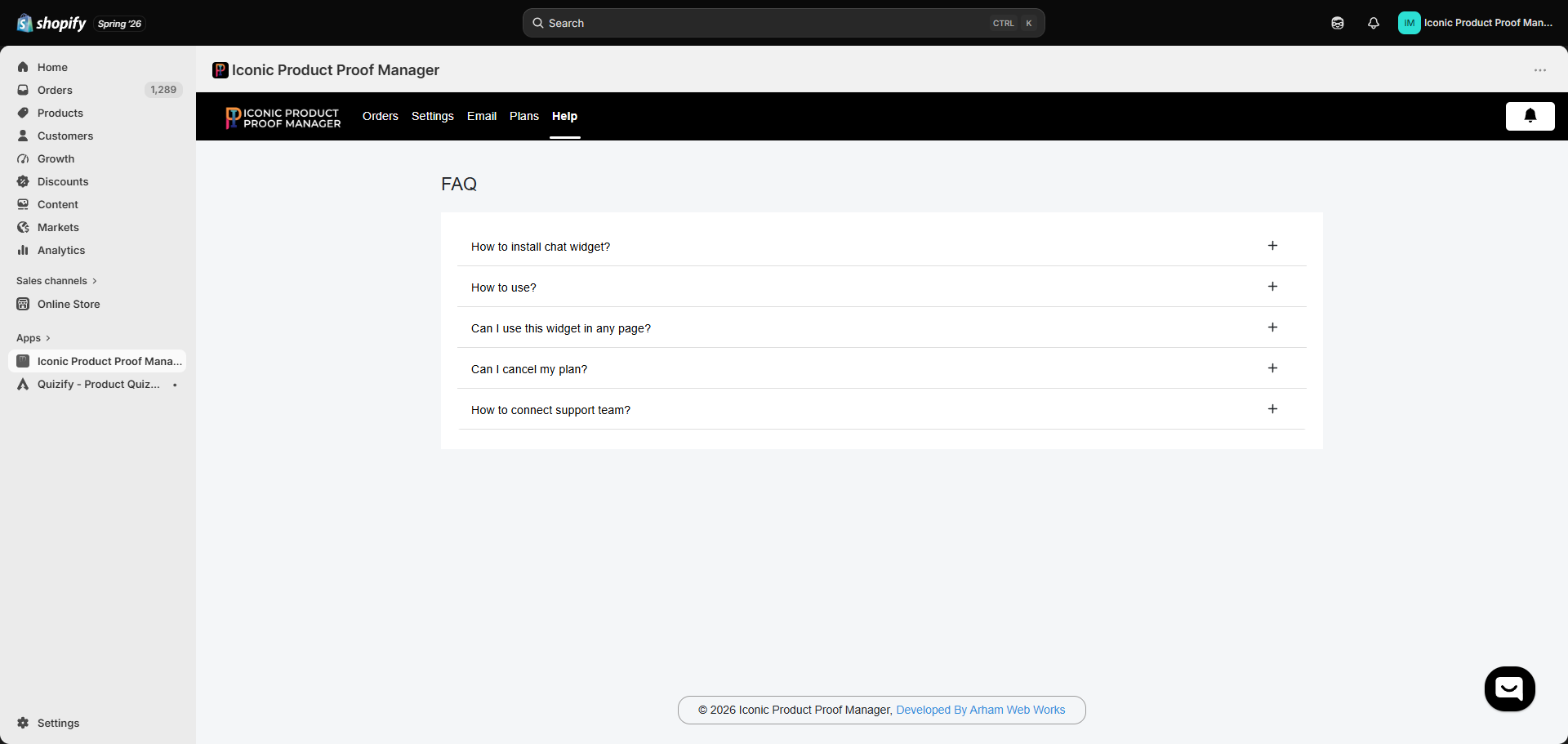 Enable the app's **Theme App Embed** from your theme editor (**Online Store → Themes → Customize → App embeds**) to add the floating chat bubble across your storefront. To place the widget inline on a specific page instead, add the **Product Proof Manager** app block to that page's template. Full steps in [Adding the Widget to Your Theme](/storefront-widget/02-adding-the-widget).
Sync your orders (all, by product, or by tag), then open any synced order from the **Orders** dashboard to chat with the customer, attach a proof, and track approval. See [Managing an Order](/orders/03-managing-an-order) and the full [Setup Guide](/getting-started/03-setup-guide).
Yes. The Theme App Embed places a floating widget everywhere by default, and you can additionally add the app block to any specific template — commonly the order status page or the customer account order page. See [Adding the Widget to Your Theme](/storefront-widget/02-adding-the-widget).
Yes. From the **Plans** tab, click **Downgrade** on the Free Plan card to move off the Basic Plan at any time. You can also uninstall the app entirely from your Shopify admin's **Apps** page. See [Plans & Pricing](/billing/01-plans-and-pricing).
Use the chat bubble inside the app (bottom-right of any admin screen) or reach out at [support@arhamwebworks.com](mailto:support@arhamwebworks.com). See [Contact Support](/help/02-contact-support).
Enable the app's **Theme App Embed** from your theme editor (**Online Store → Themes → Customize → App embeds**) to add the floating chat bubble across your storefront. To place the widget inline on a specific page instead, add the **Product Proof Manager** app block to that page's template. Full steps in [Adding the Widget to Your Theme](/storefront-widget/02-adding-the-widget).
Sync your orders (all, by product, or by tag), then open any synced order from the **Orders** dashboard to chat with the customer, attach a proof, and track approval. See [Managing an Order](/orders/03-managing-an-order) and the full [Setup Guide](/getting-started/03-setup-guide).
Yes. The Theme App Embed places a floating widget everywhere by default, and you can additionally add the app block to any specific template — commonly the order status page or the customer account order page. See [Adding the Widget to Your Theme](/storefront-widget/02-adding-the-widget).
Yes. From the **Plans** tab, click **Downgrade** on the Free Plan card to move off the Basic Plan at any time. You can also uninstall the app entirely from your Shopify admin's **Apps** page. See [Plans & Pricing](/billing/01-plans-and-pricing).
Use the chat bubble inside the app (bottom-right of any admin screen) or reach out at [support@arhamwebworks.com](mailto:support@arhamwebworks.com). See [Contact Support](/help/02-contact-support).