> ## Documentation Index
> Fetch the complete documentation index at: https://proof-manager-docs.geticonicapps.com/llms.txt
> Use this file to discover all available pages before exploring further.
# Plans & Pricing
> Compare the Free and Basic plans
Manage your plan under the **Plans** tab in the app.
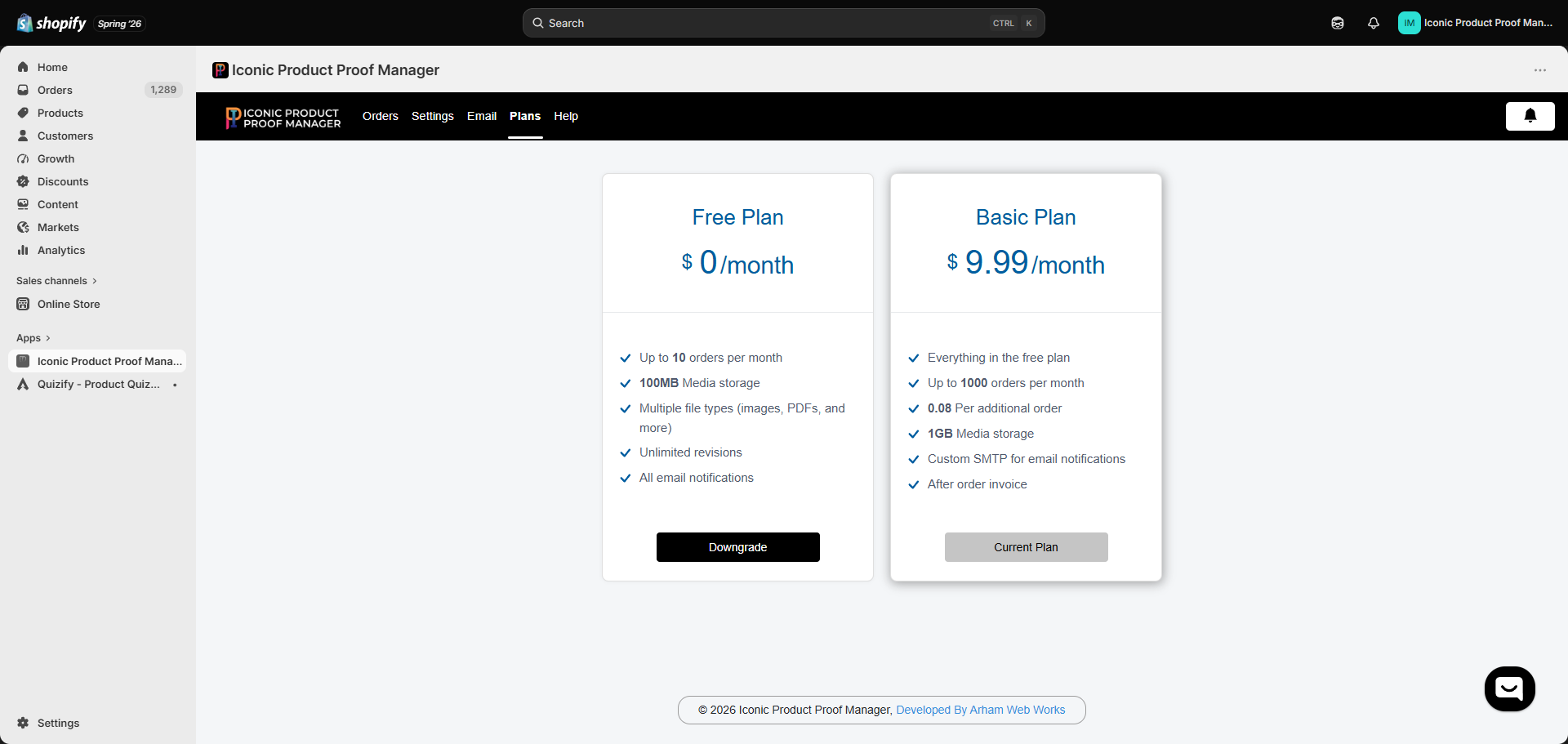 ## Plan comparison
| | Free Plan | Basic Plan |
| ------------------------ | ---------------------- | ---------------------------------------------- |
| **Price** | \$0/month | \$9.99/month |
| **Orders per month** | Up to 10 | Up to 1,000 (then \$0.08 per additional order) |
| **Media storage** | 100 MB | 1 GB |
| **File types** | Images, PDFs, and more | Images, PDFs, and more |
| **Revisions** | Unlimited | Unlimited |
| **Email notifications** | All notification types | All notification types |
| **Custom SMTP** | — | Included |
| **Post-order invoicing** | — | Included |
## How order limits work
"Orders per month" counts orders synced into the app under your current [order sync](/orders/02-order-sync) rules — not your total Shopify order volume. If you sync by product or tag, only matching orders count against your limit.
## Backfilling old orders
Regardless of plan, pulling in orders that existed *before* you set up sync rules (via **Sync Old Orders**) is billed per order through Shopify's usage-based billing, at the rate shown on that screen at the time you sync. See [Order Sync](/orders/02-order-sync) for details.
## Changing plans
* **Upgrading**: go to **Plans**, choose **Basic Plan**, and approve the Shopify billing confirmation.
* **Downgrading**: click **Downgrade** on the Free Plan card. If you're above the Free Plan's limits (e.g. over 100 MB storage), reduce usage first, or the affected features (like uploads) may be restricted until you do.
## Plan comparison
| | Free Plan | Basic Plan |
| ------------------------ | ---------------------- | ---------------------------------------------- |
| **Price** | \$0/month | \$9.99/month |
| **Orders per month** | Up to 10 | Up to 1,000 (then \$0.08 per additional order) |
| **Media storage** | 100 MB | 1 GB |
| **File types** | Images, PDFs, and more | Images, PDFs, and more |
| **Revisions** | Unlimited | Unlimited |
| **Email notifications** | All notification types | All notification types |
| **Custom SMTP** | — | Included |
| **Post-order invoicing** | — | Included |
## How order limits work
"Orders per month" counts orders synced into the app under your current [order sync](/orders/02-order-sync) rules — not your total Shopify order volume. If you sync by product or tag, only matching orders count against your limit.
## Backfilling old orders
Regardless of plan, pulling in orders that existed *before* you set up sync rules (via **Sync Old Orders**) is billed per order through Shopify's usage-based billing, at the rate shown on that screen at the time you sync. See [Order Sync](/orders/02-order-sync) for details.
## Changing plans
* **Upgrading**: go to **Plans**, choose **Basic Plan**, and approve the Shopify billing confirmation.
* **Downgrading**: click **Downgrade** on the Free Plan card. If you're above the Free Plan's limits (e.g. over 100 MB storage), reduce usage first, or the affected features (like uploads) may be restricted until you do.